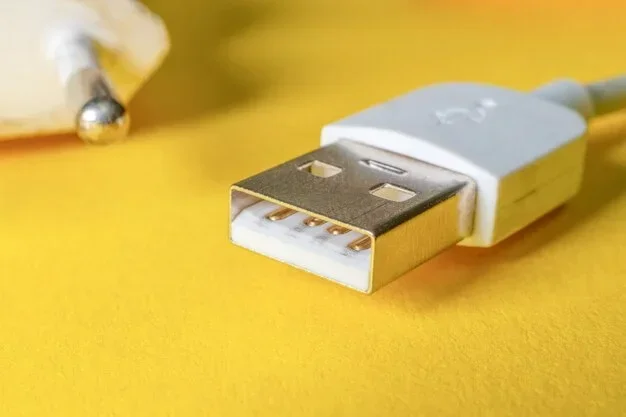
Can You Charge Through A Usb Port And What You Need To Know
Yes, you can charge through a USB port, and it is one of the most common ways to power up your devices today. Whether you use a wall adapter, car charger, or portable battery pack, USB charging keeps your smartphones, tablets, and laptops running on the go. Understanding USB power standards and port types helps you charge faster and safer. This guide covers everything from basic USB-A to modern USB-C power delivery specs.
Have you ever wondered if you can charge through a USB port? The answer is a simple yes. USB ports have become the universal way to power up nearly every electronic device we own. From your morning phone boost to keeping your laptop alive during a long flight, USB charging is everywhere.
But here is the thing. Not all USB ports are created equal. The power output varies wildly depending on the port type, the charger, and the cable you use. Some ports deliver a quick burst of energy, while others crawl along and take forever. This guide breaks it all down so you can charge smarter and faster.
We will walk you through USB-A, USB-C, power delivery standards, and everything in between. You will learn what affects charging speed, which cables to use, and whether your laptop can charge through a USB port. By the end, you will know exactly how to get the most out of every USB charging session.
Key Takeaways
- USB ports can absolutely charge devices: Nearly every modern gadget supports USB charging from wall adapters, computers, cars, and power banks.
- USB-C with Power Delivery offers the fastest speeds: USB-C PD can deliver up to 100 watts, making it ideal for laptops and tablets.
- Charging speed depends on amperage and voltage: Higher wattage means faster charging, and not all USB ports provide the same power output.
- Not all cables are equal: Using the right cable matters just as much as the port itself for safe and efficient charging.
- You can charge most laptops through USB: Many modern laptops support USB-C charging, but older models may need a dedicated charger.
- Safety features protect your devices: Modern USB ports include built-in safeguards against overcharging, overheating, and short circuits.
📑 Table of Contents
What Is USB Charging and How Does It Work
USB charging works by sending electrical power through a cable from a source to your device. The source can be a wall adapter, a computer, a car charger, or a portable battery pack. The cable carries both power and data, depending on what you need.
USB stands for Universal Serial Bus. It was originally designed for data transfer, but it quickly became a standard for powering devices too. Today, USB charging is the go-to method for smartphones, tablets, earbuds, cameras, and even some laptops.
The Basics of USB Power Delivery
USB power delivery depends on two main factors. The first is voltage, measured in volts. The second is current, measured in amperes. Multiply these two numbers together, and you get wattage, which tells you how much power is flowing.
Here is a simple breakdown:
- USB 2.0: Delivers up to 2.5 watts at 5 volts and 0.5 amps. This is slow and best for small devices like an Apple Watch.
- USB 3.0: Delivers up to 4.5 watts at 5 volts and 0.9 amps. Slightly better, but still not great for fast charging.
- USB BC 1.2: Delivers up to 7.5 watts at 5 volts and 1.5 amps. A common standard for smartphones.
- USB-C Power Delivery: Can deliver up to 100 watts at 20 volts and 5 amps. This is the king of USB charging today.
When you plug in a device, it communicates with the charger to negotiate the right amount of power. This is called a handshake. The device tells the charger how much current it can safely handle. This is why using a quality charger matters so much.
USB-A vs USB-C: Which Port Charges Better
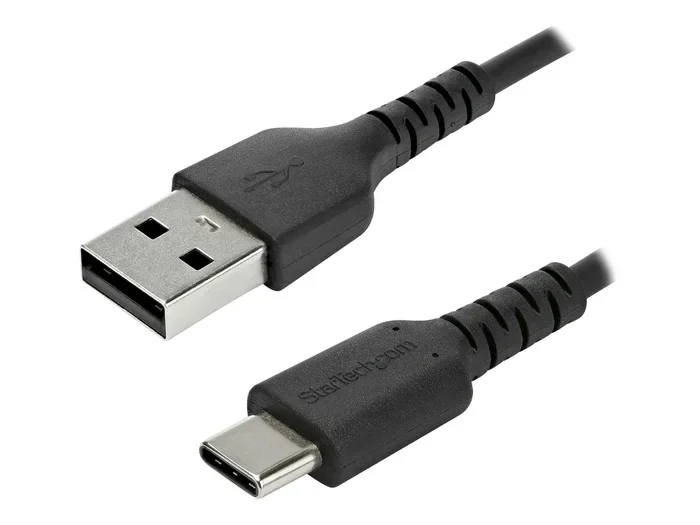
If you have ever looked at the back of your devices, you have probably noticed two main port types. USB-A is the older, rectangular port. USB-C is the smaller, oval-shaped port that is replacing it. Both can charge your devices, but they differ in speed and capability.
USB-A Charging
USB-A has been around since the late 1990s. It is the classic port you see on most wall chargers and computers. USB-A ports typically deliver 5 watts to 15 watts of power. That is enough for phones and small gadgets, but it will not win any speed awards.
Here are some key facts about USB-A charging:
- It uses a one-way connection, so you have to plug it in the right way.
- Most USB-A chargers max out at 12 watts without special fast-charging tech.
- Older devices like e-readers and fitness trackers still rely heavily on USB-A.
- USB-A ports on computers usually provide lower power than wall adapters.
USB-C Charging
USB-C is the modern standard and it is a game changer. The reversible design means no more flipping the cable three times to find the right orientation. More importantly, USB-C supports the USB Power Delivery protocol, which allows for much higher wattage.
Here is why USB-C is better for charging:
- It supports up to 100 watts of power delivery.
- The reversible connector works either way, which is super convenient.
- Many laptops now charge exclusively through USB-C.
- USB-C can also handle video output and data transfer at the same time.
If you have a choice between USB-A and USB-C, always go with USB-C when possible. You will get faster charging and a more versatile connection.
Can You Charge a Laptop Through a USB Port
This is one of the most common questions people ask. The short answer is yes, but with some important caveats. Whether your laptop can charge through a USB port depends on the laptop model, the port type, and the charger you use.
Laptops With USB-C Charging
Many modern laptops now come with USB-C ports that support charging. Brands like Dell, HP, Lenovo, Apple, and Microsoft have embraced USB-C as a primary charging method. These laptops can charge fully through a USB-C cable and a compatible USB-C charger.
Apple MacBook models are a great example. They use USB-C exclusively for charging and data transfer. You can plug a MacBook into any USB-C power delivery charger and it will charge at full speed. The same goes for many Windows ultrabooks and Chromebooks.
Laptops That Need Traditional Chargers
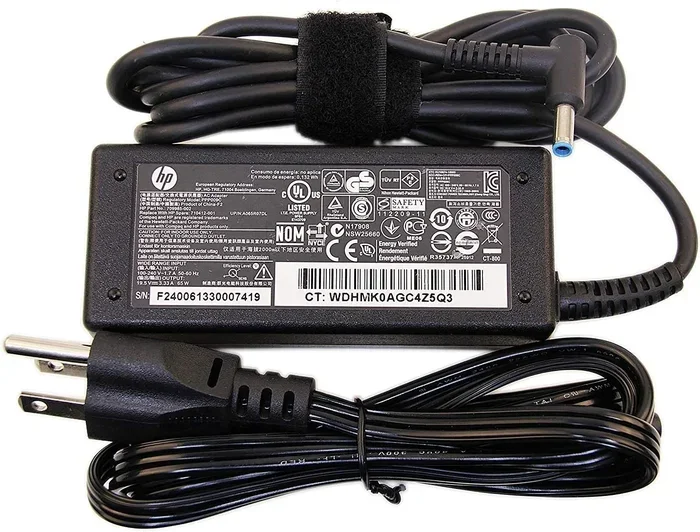
Older laptops and some budget models still use proprietary charging ports. These laptops cannot charge through a standard USB port. If your laptop has a barrel-style charging jack, you will need the original charger that came with it.
Some laptops offer both options. They have a USB-C port for charging and a traditional barrel port as a backup. This gives you flexibility, but you still need the right charger for each port type.
Can You Charge a Laptop Through a USB-A Port
In most cases, no. USB-A ports typically do not provide enough power to charge a laptop. Even with a high-quality USB-A charger, you will get at most 7.5 watts. Laptops need 45 watts to 100 watts to charge properly. Plugging a laptop into a USB-A port may actually drain the battery instead of charging it.
If you see a laptop claiming to charge via USB-A, check the wattage carefully. Some manufacturers use specialized USB-A chargers that deliver higher power, but these are rare and not standard.
What Affects USB Charging Speed
You might plug two devices into the same USB port and get completely different charging speeds. Why does this happen? Several factors determine how fast your device charges through a USB port.
Charger Wattage
The charger is the engine of USB charging. A higher wattage charger delivers more power, which means faster charging. A standard 5-watt charger will take much longer than an 18-watt or 65-watt charger.
When shopping for a charger, look at the wattage rating. A 20-watt USB-C charger is a great all-around choice for most devices. If you have a laptop, look for a 65-watt or 100-watt USB-C PD charger.
Cable Quality
Not all USB cables are created equal. A cheap cable with thin wires can limit the amount of power that reaches your device. This is one of the most overlooked factors in slow charging.
Here are some cable tips for better charging:
- Use cables that are rated for the wattage you need.
- USB-C to USB-C cables rated for USB-C PD support higher power levels.
- Avoid ultra-thin or ultra-short cables for fast charging.
- Branded cables from Apple, Samsung, Anker, or Belkin tend to perform better.
Device Battery Size
Larger batteries take longer to charge, no matter what. A phone with a 5,000 mAh battery will charge slower than one with a 3,000 mAh battery on the same charger. This is simple physics. More battery capacity means more time to fill up.
Charging Protocol
Different devices use different fast-charging protocols. Qualcomm Quick Charge, USB Power Delivery, and VOOC are just a few examples. Your device and charger must support the same protocol to unlock fast charging speeds.
USB Power Delivery is the most universal and widely supported protocol today. It works across Android phones, iPhones, tablets, and laptops. If you want a single charger for everything, a USB-C PD charger is the best choice.
Common USB Charging Mistakes to Avoid
Even though USB charging seems simple, there are several mistakes that can slow you down or even damage your devices. Here are the most common ones to watch out for.
Using the Wrong Cable
This is the number one mistake people make. Using a cable that only supports data transfer and not high-power charging will limit your speed. Always check that your cable supports the power level you need.
Charging Through a USB Hub Without Power
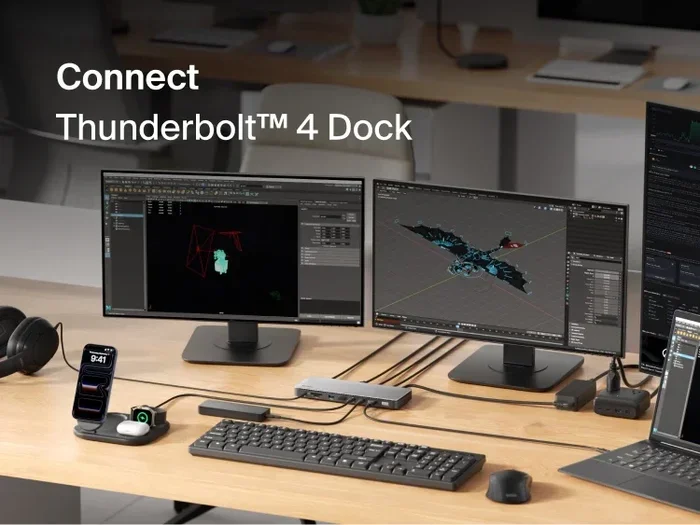
A passive USB hub draws power from your computer and splits it among connected devices. This means each port gets less power. If you want to charge a device through a hub, use a powered USB hub with its own wall adapter.
Ignoring Heat
Charging generates heat, and too much heat can slow down the charging process. If your device feels very hot while charging, unplug it for a few minutes. Let it cool down before trying again.
Using Damaged Cables or Ports
Frayed cables or bent USB port pins can cause intermittent charging or even safety hazards. Inspect your cables regularly and replace them if you see any damage. A damaged USB port on your device should be repaired by a professional.
Assuming All USB Ports Charge at the Same Speed
This is a big misconception. A USB port on your computer is not the same as a wall adapter port. Computer USB ports usually provide 2.5 to 15 watts, while a good wall charger can deliver 65 to 100 watts. Always use the right power source for the job.
Best Practices for USB Charging
Now that you know what affects charging speed and what mistakes to avoid, here are some best practices to get the most out of your USB charging setup.
Invest in a Good USB-C PD Charger
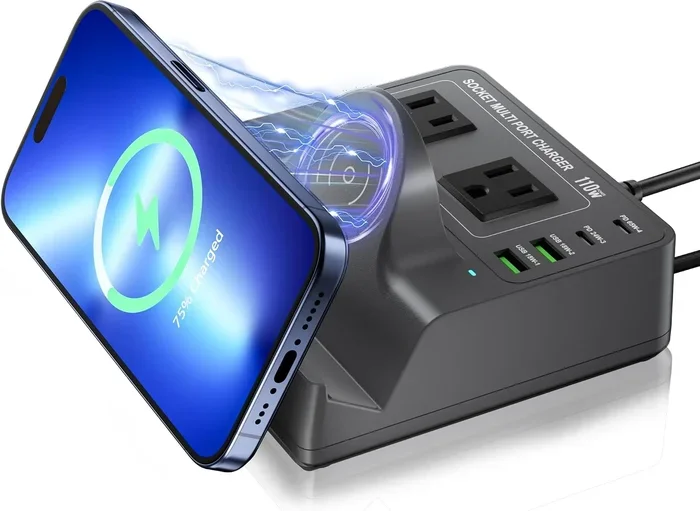
A single USB-C PD charger can handle all your devices. Look for one that supports at least 65 watts. This will charge your phone quickly and handle most laptops with ease. Brands like Anker, Belkin, and Ugreen make excellent options.
Keep Your Cables Organized and Clean
Dust and debris in USB ports can cause poor connection and slow charging. Use compressed air to clean out your ports occasionally. Store your cables properly to prevent internal wire damage.
Use the Right Port for the Right Device
Charge your phone through USB-C PD when possible. Use USB-A for smaller devices like smartwatches and earbuds. Reserve your fastest charger for the device that needs it most, like a laptop.
Unplug Devices When Fully Charged
Modern devices have battery management systems that stop charging at 100 percent. But keeping a device plugged in for days on end can still stress the battery over time. Unplug when you can to extend battery lifespan.
Travel With a Portable USB Charger
A good portable charger is a lifesaver for travel. Look for one with USB-C PD support and at least 20,000 mAh capacity. This will give you multiple full charges for your phone and at least one charge for your laptop.
Can You Charge Through Any USB Port: Quick Answer
The simple answer is yes, you can charge through almost any USB port. But the experience will vary greatly depending on the port type, the charger, and the device. USB-C ports with Power Delivery offer the best experience. USB-A ports work fine for small devices but are too weak for laptops.
Always match your charger, cable, and port to get the best results. A mismatched setup will lead to slow charging or no charging at all. Take a few minutes to understand your device’s charging needs, and you will save time and protect your battery health.
USB charging is one of the greatest conveniences in modern technology. It keeps our devices powered wherever we go. Now that you know how it all works, you can make smarter choices about your charging setup every single day.
Conclusion
The answer to whether you can charge through a USB port is a definitive yes. USB charging has revolutionized the way we power our devices. From the simplest earbuds to powerful laptops, USB has become the universal charging standard. Understanding the different port types, power standards, and charging protocols helps you get the best experience every time.
USB-C with Power Delivery is the future of charging. It offers faster speeds, higher wattage, and a reversible design that makes it incredibly convenient. If you have not made the switch to USB-C yet, now is the perfect time.
Remember to use quality cables, choose the right charger, and avoid common charging mistakes. These small steps make a big difference in charging speed and device longevity. With the right knowledge and tools, you can keep all your devices charged and ready to go whenever you need them.
So next time you plug in your device, you will know exactly what is happening behind that USB port. And you will be able to get the fastest, safest charge possible every single time.
Frequently Asked Questions
Can you charge any device through a USB port?
Most modern devices can charge through a USB port, including smartphones, tablets, and many laptops. However, older devices or those with proprietary charging ports may need a dedicated charger. Always check your device specifications to confirm USB charging compatibility.
How fast can you charge through a USB-C port?
USB-C ports with Power Delivery can charge devices very quickly. A 65-watt USB-C PD charger can charge most laptops from zero to 50 percent in about 30 minutes. Smartphones with USB-C PD support can reach a full charge in roughly one to two hours.
Can you charge a laptop through a regular USB-A port?
In most cases, no. USB-A ports typically deliver too little power to charge a laptop. They usually max out at 7.5 to 15 watts, while laptops need at least 45 watts. Some laptops with specialized USB-A charging circuits are exceptions, but these are rare.
Does the USB cable matter for charging speed?
Yes, the cable matters a lot. A high-quality USB-C cable rated for Power Delivery will support faster charging than a cheap or damaged cable. Always use cables that match the wattage requirements of your device for the best results.
Is it safe to leave devices charging through a USB port overnight?
Yes, it is generally safe. Modern devices and USB chargers have built-in safety features that stop charging once the battery reaches 100 percent. However, for optimal battery health, it is still a good idea to unplug devices once they are fully charged.
Can a USB hub be used for charging multiple devices?
A powered USB hub can charge multiple devices at the same time. Make sure the hub has its own power supply so it can deliver enough wattage to each port. A passive hub that draws power from your computer will charge devices much more slowly.