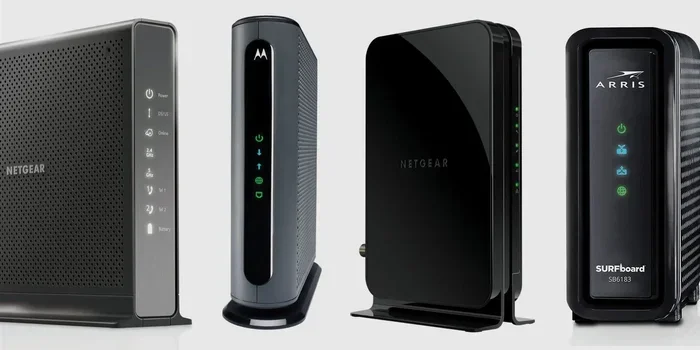
Do I Need To Return My Spectrum Modem Or Can I Keep It
Whether you can keep your Spectrum modem depends on your lease agreement, how long you’ve had the equipment, and your specific service plan. Most Spectrum customers lease their modem and router, which means returning them is required when you cancel service or upgrade. However, buying out your equipment is often a smart move that saves money in the long run. In this guide, we break down every scenario so you know exactly what to do with your Spectrum gear.
So you’re thinking about canceling your Spectrum service, upgrading your plan, or just wondering what happens to that box sitting on your shelf. The question do I need to return spectrum modem comes up all the time, and the answer isn’t always straightforward. It depends on your lease agreement, whether you’ve bought out the equipment, and what your next steps are.
Here’s the thing — most Spectrum customers don’t own their modem or gateway. They lease it. And leasing comes with rules. Some people keep their Spectrum modem for years without thinking about the return policy. Others scramble at the last minute trying to figure out what to do. Either way, knowing the details ahead of time saves you money, stress, and a potential headache.
In this article, we walk through everything you need to know about the Spectrum modem return policy. We’ll cover buyout options, non-return fees, how to send equipment back, and whether keeping your own modem is worth it. By the end, you’ll have a clear answer for your specific situation.
Key Takeaways
- Spectrum modems are leased by default: Most customers rent equipment and must return it upon cancellation or upgrade.
- You can buy out your Spectrum modem: Paying a buyout fee lets you keep the equipment permanently and avoid monthly rental charges.
- Failing to return equipment results in fees: Spectrum charges non-return fees that can be quite expensive if you don’t send equipment back.
- Returning equipment is simple: You can drop off gear at a Spectrum store or ship it back using a provided label.
- Using your own modem saves money over time: Once you buy out or bring your own compatible device, you eliminate recurring rental costs.
- Check your agreement first: Always review your specific Spectrum service contract before making decisions about equipment.
📑 Table of Contents
- Understanding Spectrum Equipment Leasing
- Do I Need To Return My Spectrum Modem?
- The Spectrum Modem Buyout Option
- What Happens If You Don’t Return Your Spectrum Modem?
- How To Return Your Spectrum Modem
- Can You Keep Your Own Modem With Spectrum?
- Spectrum Modem Return Policy: Frequently Asked Questions
- Final Thoughts on Returning or Keeping Your Spectrum Modem
Understanding Spectrum Equipment Leasing
When you sign up for Spectrum internet, the company provides you with a modem or gateway device. This equipment is not yours — it’s leased. That means you’re renting it month after month. The Spectrum equipment lease is part of your service agreement, and it shows up as a separate line item on your bill.
Most people don’t think twice about this rental fee. It’s usually around $10 to $15 per month. Over a couple of years, that adds up fast. But the leasing arrangement gives Spectrum control over the hardware. They can push firmware updates, manage compatibility, and ensure their network runs smoothly.
What Equipment Does Spectrum Provide?
Spectrum typically provides two types of devices:
- Modem: This connects your home to the Spectrum network. It translates the signal from the cable line into data your devices can use.
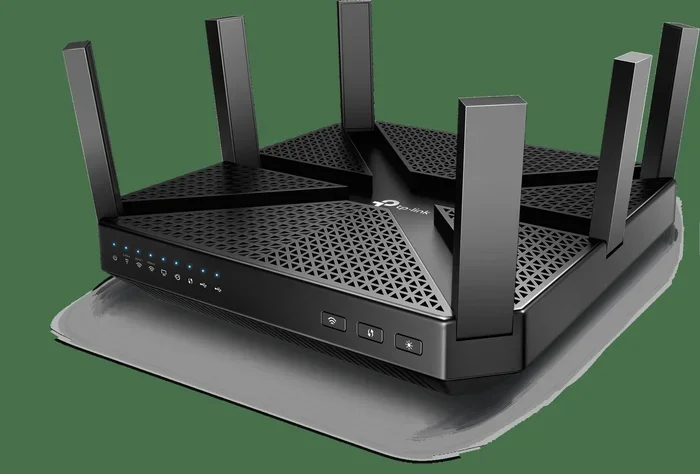
- Gateway or Router: This combines the modem and router into one device. It provides Wi-Fi throughout your home and connects multiple devices wirelessly.
Some customers receive a separate modem and router. Others get a single gateway unit. Either way, both pieces of equipment are leased unless you’ve completed a buyout.
Why Does Spectrum Lease Instead of Sell?
There are a few reasons Spectrum prefers leasing over selling equipment. First, it ensures compatibility. Spectrum can manage which devices work best on their network. Second, it gives them control over updates and maintenance. Third, it creates a recurring revenue stream from the monthly rental fee.
For customers, leasing means you don’t have to worry about buying new hardware every time technology changes. But it also means you don’t build equity in the equipment. If you cancel service, you hand the device back and walk away with nothing.
Do I Need To Return My Spectrum Modem?
The short answer is yes — in most cases, you need to return your Spectrum modem when you cancel service, downgrade your plan, or upgrade your equipment. But the details matter, and there are exceptions worth knowing about.
If you’re ending your Spectrum service entirely, returning the equipment is required. If you keep the modem and don’t send it back, Spectrum will charge you a non-return fee. This fee can range from $100 to $250 depending on the device type and your location.
Here’s a common scenario. You cancel your Spectrum internet plan and forget about the modem sitting in your closet. A few months later, you get a bill for $150. That’s the non-return charge. It happens more often than you’d think, and it’s completely avoidable.
When You Must Return Spectrum Equipment
You should return your Spectrum modem or gateway in these situations:
- Canceling your Spectrum service: Whether you’re switching to a different provider or cutting the cord entirely, all leased equipment must go back.
- Upgrading your plan: Some plan upgrades require a different modem. Spectrum will ask you to return the old device.
- Moving to a non-Spectrum area: If you relocate to a place where Spectrum doesn’t offer service, you need to return the equipment.
- Ending a promotional period: Some promotions include free or discounted equipment. Returning it may be part of the terms.
When You Might Not Need To Return It
There’s one major exception — if you’ve bought out the equipment. Once you pay the Spectrum modem buyout fee, the device becomes yours. You can keep it, use it with another provider, or just let it sit on your shelf. No return is needed, and no fees apply.
Another situation where you might not need to return equipment is if Spectrum explicitly tells you to keep it. During some equipment upgrades, the company mails you a new device and includes a return label for the old one. If no return label is provided, check with customer service to confirm.
The Spectrum Modem Buyout Option
The Spectrum equipment buyout is one of the most important options for customers who want to stop paying rental fees. Essentially, you pay a one-time fee to own the modem or gateway outright. After that, the monthly rental charge disappears from your bill.
Buying out your equipment makes sense in several situations. If you plan to stay with Spectrum for a long time, the savings from eliminating the monthly fee can outweigh the buyout cost. If you’re planning to cancel soon, it might not be worth it.
How Much Does It Cost To Buy Out a Spectrum Modem?
The buyout price varies depending on the device. Here’s a general breakdown:
- Standard modem: Usually between $100 and $200 to buy out.
- Gateway (modem + router combo): Typically $150 to $250.
- Advanced gateway: Higher-end models can cost $200 or more.
Compare these numbers to the monthly rental fee. At $15 per month, you’d pay $180 in a year. So buying out a modem for $150 would save you money within 10 months. Over two or three years, the savings add up significantly.
How To Buy Out Your Spectrum Modem
Buying out your equipment is straightforward. Here’s how to do it:
- Log into your Spectrum account: Go to the Spectrum website and sign in.
- Check your equipment details: Look at your account to see which devices you’re leasing.
- Contact Spectrum customer service: Call or chat with a representative and ask about the buyout option for your specific device.
- Pay the buyout fee: Once confirmed, pay the fee. It will appear on your next bill or be processed immediately.
- Keep the equipment: After payment, the device is yours. No return is necessary.
You can also visit a Spectrum store in person to complete the buyout process. Having your account information and the equipment handy makes the process faster.
What Happens If You Don’t Return Your Spectrum Modem?
Some people wonder what happens if they just don’t return the modem. The answer isn’t pretty. Spectrum takes unreturned equipment seriously, and the consequences can affect your account and your wallet.
When you cancel service and don’t send back the equipment, Spectrum will flag your account. You’ll receive reminders asking you to return the device. If you ignore those reminders, a non-return fee gets added to your account. This fee is often higher than the cost of the device itself.
In some cases, Spectrum may send the account to collections. While this is rare for a single modem, it can happen if the equipment is high-value or if multiple devices go unreturned. A collections account can hurt your credit score, which is something you definitely want to avoid.
Common Reasons People Don’t Return Equipment
Understanding why people hold onto their Spectrum modem can help you avoid the same mistakes:
- Forgetting about it: The modem sits in a closet or drawer, and life gets busy.
- Not knowing it’s required: Some customers assume they can keep the equipment after canceling.
- Losing the return label: Without a prepaid label, returning the device feels like a hassle.
- Planning to come back to Spectrum: Some people think they’ll reactivate service later and keep the modem for convenience.
Whatever the reason, the best approach is to return the equipment or complete a buyout before canceling your service. It keeps your account clean and avoids unexpected charges.
How To Return Your Spectrum Modem
If you’ve decided to return your equipment, the process is simpler than you might think. Spectrum makes it easy to send back your modem or gateway, and there are multiple options available.
Step-by-Step Return Process
Follow these steps to return your Spectrum equipment safely:
- Gather all equipment: Include the modem, gateway, power adapter, cables, and any other items that came in the original box.
- Get a return label: Log into your Spectrum account or call customer service to request a prepaid return label.
- Package the equipment securely: Use the original box if you still have it. If not, any sturdy box with padding will work.
- Attach the return label: Make sure the label is clearly visible and securely attached to the package.
- Drop off or ship: Take the package to a UPS or FedEx location, or drop it off at a Spectrum store if one is nearby.
Where Can You Drop Off Spectrum Equipment?
You have several options for returning your gear:
- Spectrum store: Visit a local Spectrum retail location. They accept equipment returns during business hours.
- UPS Store: Drop off the package at any UPS location with the prepaid label.
- FedEx Office: Similar to UPS, FedEx accepts Spectrum return packages.
- Mail it: If you don’t have a nearby drop-off point, you can drop the package in a mailbox or at a post office.
Keep in mind that Spectrum recommends using a trackable shipping method. This way, you have proof that the equipment was delivered and returned on time.
What To Do If You’ve Lost or Damaged Equipment
Accidents happen. If your modem is damaged or you’ve lost it, don’t panic. Contact Spectrum customer service right away. They’ll let you know the replacement cost or the non-return fee for a lost device. Sometimes, paying the fee is cheaper than replacing the equipment yourself.
Being honest about lost or damaged gear is always the best approach. Trying to hide it usually leads to bigger problems down the road.
Can You Keep Your Own Modem With Spectrum?
Yes, you can use your own modem with Spectrum internet. This is called bringing your own device or BYOD. Spectrum allows customers to use compatible third-party modems instead of the leased equipment. This can save you money and give you more control over your hardware.
Benefits of Using Your Own Modem
There are several advantages to using your own modem with Spectrum:
- No monthly rental fee: You eliminate the $10 to $15 monthly charge for Spectrum equipment.
- You own the device: After you buy a compatible modem, it’s yours forever.
- Better performance: Many third-party modems offer faster speeds and more features than Spectrum’s standard equipment.
- Future flexibility: If you switch internet providers later, your modem might work with the new service too.
How To Check Modem Compatibility
Not every modem works with Spectrum. Before buying a third-party device, check the Spectrum modem compatibility list. This list is available on the Spectrum website and includes approved models for different internet speeds.
Look for modems that support DOCSIS 3.1 technology. These models handle higher speeds and provide better performance. Make sure the modem is approved for use on Spectrum’s network before you purchase it.
Setting Up Your Own Modem
Once you have a compatible modem, setting it up is pretty simple:
- Call Spectrum to activate: They’ll walk you through the activation process and update your account.
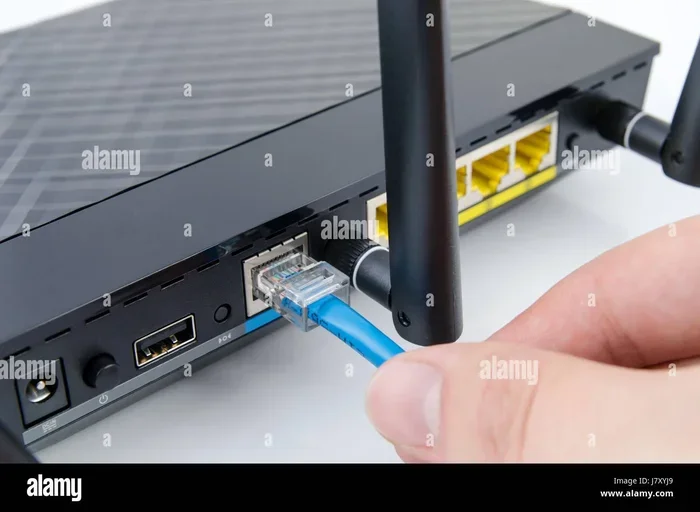
- Connect the modem: Plug it into the cable outlet and connect it to your router or computer.
- Follow setup instructions: The modem will guide you through the configuration steps.
- Test your connection: Run a speed test to make sure everything is working properly.
Keep in mind that you’ll still need a router if your modem doesn’t have built-in Wi-Fi. Many people use a separate router or a gateway device for wireless coverage.
Spectrum Modem Return Policy: Frequently Asked Questions
Let’s address some of the most common questions people have about returning Spectrum equipment. These answers clear up confusion and help you make the right decision for your situation.
How long do I have to return my Spectrum modem after canceling?
Spectrum typically gives you 30 days after canceling your service to return the equipment. Check your cancellation confirmation email or call customer service for the exact deadline. Returning the device early is always a good idea to avoid any late fees or confusion.
Can I return my Spectrum modem at any retail store?
You can return Spectrum equipment at any Spectrum retail store. Some third-party retail locations may also accept returns, but it’s best to check first. The safest option is to use a Spectrum store or a UPS/FedEx location with your prepaid return label.
What if I never received a return label from Spectrum?
If you didn’t receive a return label, contact Spectrum customer service directly. They can email or mail you a prepaid label. You can also print one from your account online if the option is available. Don’t let the lack of a label delay your return.
Does Spectrum charge for equipment replacements?
Yes, if you lose or damage your leased equipment, Spectrum charges a replacement fee. This fee is separate from the non-return fee. The cost depends on the device type and model, but it’s usually a few hundred dollars. Always handle leased equipment with care to avoid these charges.
Is it cheaper to buy out or use my own modem?
It depends on your situation. Buying out your leased modem costs $100 to $250 upfront but eliminates the monthly rental fee. Using your own modem requires purchasing a compatible device, which can cost $100 to $200 as well. Both options save money compared to paying the rental fee indefinitely. Calculate your savings based on how long you plan to stay with Spectrum.
Can I keep my Spectrum modem if I’m just pausing my service?
No, pausing your service doesn’t change the lease agreement. You still need to return the equipment unless you’ve completed a buyout. Spectrum may also deactivate the device during a pause, which means it won’t work even if you want to keep it temporarily.
Final Thoughts on Returning or Keeping Your Spectrum Modem
The question of whether you need to return your Spectrum modem comes down to your specific situation. If you’re canceling service and haven’t bought out the equipment, yes — you need to send it back. Failing to do so results in fees and potential account issues.
On the other hand, if you’ve completed a Spectrum modem buyout, the device is yours to keep. And if you’re considering switching to your own modem, that’s a great money-saving move worth exploring.
The key takeaway is to act before you cancel. Review your lease agreement, check your account for equipment details, and decide whether buying out or returning makes the most sense for you. A little planning goes a long way in avoiding surprise charges and keeping your account in good standing.
Whether you’re a long-time Spectrum customer or just finishing up a service, understanding your equipment obligations puts you in control. You’ll know exactly what to do, what it costs, and how to make the best decision for your budget and your needs.