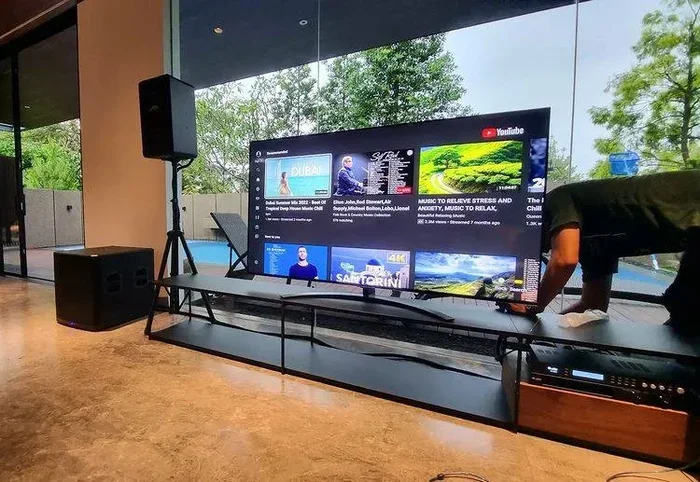
Can I Turn My TV Into a Karaoke Machine Right Now
Can I Turn My Tv Into A Karaoke Machine is an essential topic that provides valuable insights.
Key Takeaways
- Understanding Can I Turn My Tv Into A Karaoke Machine: Provides essential knowledge
📑 Table of Contents
- Why Turn Your TV Into a Karaoke Machine?
- What You Need to Get Started
- How to Set Up TV Karaoke With Apps
- Using Smart TV Built-In Features
- Wired and Wireless Connection Options
- Creating the Ultimate Karaoke Party Setup
- Common Mistakes to Avoid
- Can I Turn My TV Into a Karaoke Machine Without an Internet Connection?
- Key Takeaways
- Conclusion
Why Turn Your TV Into a Karaoke Machine?
You might wonder why bother with a TV karaoke setup when you can just use your phone. Great question. Here are some real reasons why a big screen karaoke setup beats singing into a tiny screen.
First, a larger display makes the experience feel more immersive. You and your friends can see the karaoke lyrics clearly from across the room. Second, using your TV means better sound quality. Most TVs have decent speakers, and pairing them with a karaoke speaker makes a huge difference.
Third, it is a great way to host gatherings. A karaoke party on a big screen brings people together in a way that a phone never could. Finally, it is surprisingly affordable. Many karaoke apps are free or cost very little. You can start tonight without breaking the bank.
Benefits of a Big Screen Karaoke Setup
- Larger lyrics display makes it easy for everyone to follow along.
- Better audio output compared to phone speakers.
- More immersive experience for you and your guests.
- Easy to share — everyone in the room can join in.
- Affordable compared to buying a dedicated karaoke machine.
What You Need to Get Started
Before you jump in, let us talk about what you need. The good news is that you probably already have most of this at home.
At the very least, you need a TV, a way to get audio in, and a source for karaoke songs. Everything else is optional but can make the experience much better.
Essential Gear
- A TV — any TV with an HDMI port or screen mirroring capability works.
- A device to run the app — this can be a phone, tablet, or laptop.
- A karaoke microphone — even a basic one makes a big difference.
- Cables or Bluetooth — to connect your device to the TV.
Nice-to-Have Extras
- An external speaker for richer sound.
- A Bluetooth adapter if your TV does not support Bluetooth.
- A pop filter for the microphone to reduce plosive sounds.
- A screen mirroring device like Chromecast or Fire Stick.
Quick Tip: If you already have a smart TV, you may not need any extra hardware at all. Many karaoke apps work directly on smart TV platforms.
How to Set Up TV Karaoke With Apps
This is the most popular and easiest way to create a home karaoke setup. You use a karaoke app on your phone or tablet and cast the screen to your TV.
Step-by-Step Setup
- Download a karaoke app on your phone or tablet. Popular options include Smule, Yokee, and StarMaker.
- Connect your phone and TV to the same Wi-Fi network.
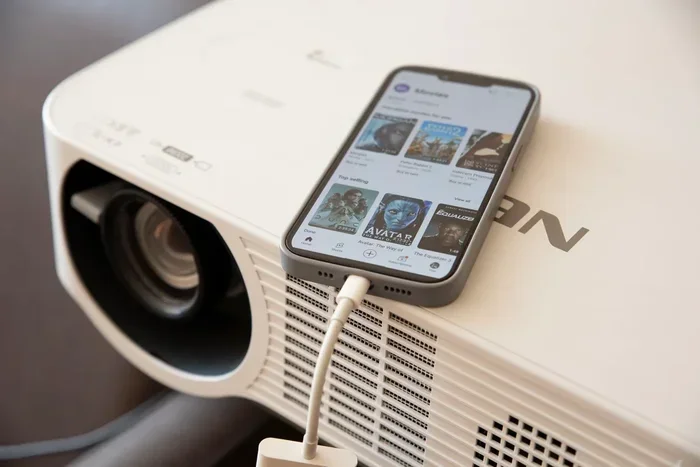
- Use screen mirroring or Chromecast to send the app screen to your TV.
- Plug in a karaoke microphone to your phone or use a wireless Bluetooth mic.
- Pick a song, hit record, and start singing along!
Top Karaoke Apps for TV Setup
| App Name | Platform | Free Option | Best For |
|---|---|---|---|
| Smule | iOS, Android | Yes | Social singing and duets |
| Yokee | iOS, Android | Yes | Easy beginner use |
| StarMaker | iOS, Android | Yes | Large song library |
| Sing! Karaoke | iOS, Android | Yes | Recording and sharing |
| Pocket Karaoke | iOS, Android | Yes | Simple and lightweight |
Each of these apps offers a solid karaoke experience. Smule is probably the most popular because it lets you sing duets with friends or even strangers online. Yokee is great if you want something simple and straightforward. StarMaker has one of the largest libraries of karaoke songs available.
Using Smart TV Built-In Features
If you have a smart TV karaoke setup, you are in luck. Many modern TVs come with built-in apps or app stores where you can download karaoke apps directly.
Smart TV Brands That Support Karaoke Apps
- Samsung Smart TV — supports several karaoke apps through the Galaxy Store.
- LG Smart TV — offers karaoke apps on the LG Content Store.
- Sony Android TV — you can download apps directly from the Google Play Store.
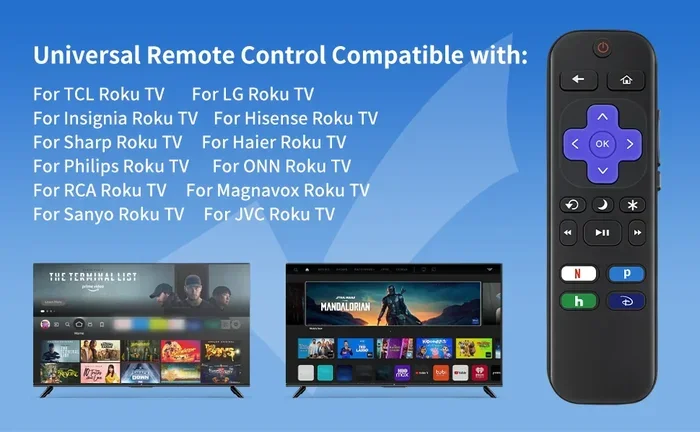
- Roku TV — has dedicated karaoke channels available.
- Amazon Fire TV — supports popular karaoke apps from the Appstore.
The beauty of a smart TV karaoke setup is that you do not need any extra devices. You can search for songs, read the karaoke lyrics on the big screen, and sing right from your couch. Some TVs even let you connect a Bluetooth karaoke microphone directly to the TV.
Setting Up Karaoke Mode on Your Smart TV
Most smart TVs have a feature or setting that enhances the audio for singing. Look for options like “Sing-Along Mode” or “Karaoke Mode” in your TV settings. This feature typically adjusts the EQ to make vocals stand out more and reduces background music slightly. It is a small tweak, but it makes a big difference in your karaoke experience.
Wired and Wireless Connection Options
Connecting your device to your TV is a key part of the karaoke setup. You have two main options: wired and wireless. Each has its pros and cons.
Wired Connections
- HDMI cable — the most reliable option for screen mirroring from a laptop or adapter.
- USB connection — some TVs allow you to load karaoke songs directly from a USB drive.
- 3.5mm audio cable — useful for connecting a karaoke microphone or speaker directly to the TV.
Wireless Connections
- Chromecast — lets you cast your phone screen to the TV over Wi-Fi.
- AirPlay — works with Apple devices and compatible TVs.
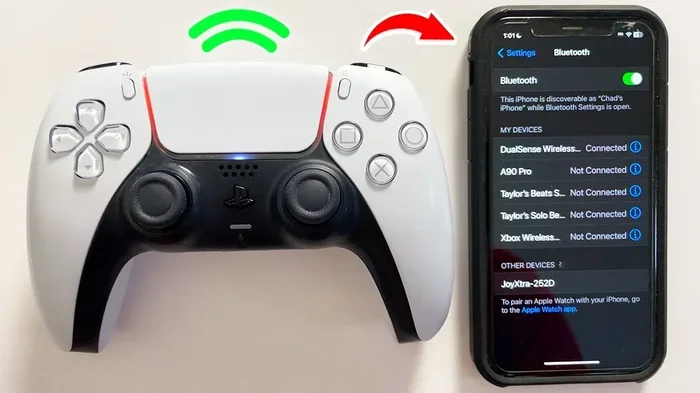
- Bluetooth — great for audio, but not ideal for video mirroring.
- Wi-Fi Direct — some karaoke microphones connect directly to the TV without a router.
For the best karaoke experience, use an HDMI connection when possible. It gives you the most stable picture and audio. If you want freedom from cables, Chromecast or AirPlay works great for most karaoke apps.
Quick Comparison: Wired vs. Wireless
| Feature | Wired | Wireless |
|---|---|---|
| Connection Stability | Very stable | Good, depends on Wi-Fi |
| Setup Ease | Moderate | Very easy |
| Audio Quality | Excellent | Good |
| Cable Clutter | Yes | None |
| Best For | Reliable performance | Quick and easy setup |
Creating the Ultimate Karaoke Party Setup
Now that you know the basics, let us level up. If you want to host a real karaoke party, there are a few extra steps you can take.
Lighting Matters
Dim the lights and add some color. LED strip lights behind the TV create a fun atmosphere. You do not need expensive lighting — even simple fairy lights work great. The goal is to make the room feel like a real karaoke bar.
Sound System Upgrades
A karaoke speaker connected to your TV makes a massive difference. You do not need a professional sound system. A simple Bluetooth speaker or a soundbar will do the trick. If you really want to go all out, a small PA system gives you concert-quality sound.
Song Selection Tips
- Pick a mix of popular and classic karaoke songs.
- Ask your guests what they want to sing beforehand.
- Include songs from different genres and decades.
- Start with easy, well-known songs to warm up the crowd.
- Save the hard songs for later when people feel more confident.
Hosting Tips for a Great Karaoke Night
- Set up the karaoke system at least 30 minutes before guests arrive.
- Test the microphone and make sure the karaoke lyrics display correctly.
- Have a sign-up sheet so people can take turns.
- Keep the energy up by playing warm-up songs between turns.
- Take videos and photos to capture the fun moments.
Expert Insight: The key to a memorable karaoke party is not the equipment. It is the energy and willingness of your guests to have fun. Even a simple karaoke setup can create unforgettable memories when everyone is in a good mood.
Common Mistakes to Avoid
Setting up TV karaoke is simple, but there are a few common mistakes that can ruin the experience. Here is what to watch out for.
Mistake 1: Using a Slow Wi-Fi Connection
If you are using a karaoke app that streams songs, a slow Wi-Fi connection will cause lag and buffering. Make sure your router is close to the TV and your device. Consider using a Wi-Fi extender if needed.
Mistake 2: Ignoring Audio Settings
Many people skip adjusting their TV audio settings. This can make vocals sound muffled or the background music too loud. Go into your TV settings and boost the mid-range frequencies for clearer vocals.
Mistake 3: Using the Wrong Microphone
A cheap or incompatible karaoke microphone can cause frustration. Make sure your mic is compatible with your device. Wireless Bluetooth mics are convenient, but wired mics often give more reliable audio.
Mistake 4: Not Testing Before the Party
Never set up your karaoke system for the first time when guests are already there. Test everything beforehand. Check the screen mirroring, the audio output, and the song library. A quick test saves a lot of embarrassment.
Mistake 5: Forgetting About Lyrics Display
The whole point of singing along is following the karaoke lyrics. If the text is too small or hard to read, people will not enjoy it. Adjust the font size and contrast in your karaoke app settings for the best visibility on a big screen.
Can I Turn My TV Into a Karaoke Machine Without an Internet Connection?
Yes, you can! While many karaoke apps require internet for streaming, you can also use offline methods. Download karaoke songs in advance and save them on your device or a USB drive. Some karaoke software lets you load local files directly onto your TV. This is perfect for situations where Wi-Fi is unreliable or you want to avoid data usage.
You can also purchase or download karaoke videos from YouTube or other platforms ahead of time. Load them onto a USB drive and play them directly on your TV. This gives you full control over the song list and does not depend on an internet connection at all.
Key Takeaways
- Yes, you can turn your TV into a karaoke machine using apps, smart TV features, or simple cables.
- Smart TVs make the process even easier with built-in app support and screen mirroring.
- Karaoke apps like Smule, Yokee, and StarMaker are free and offer huge song libraries.
- Wired HDMI connections provide the most stable and reliable setup.
- A good microphone is the single biggest upgrade you can make for your karaoke experience.
- Testing your setup before a party prevents technical issues and awkward moments.
- You do not need the internet — offline methods work great for karaoke nights.
Conclusion
So, can I turn my TV into a karaoke machine? Absolutely. You now have all the information you need to set up a fun and exciting home karaoke experience. Whether you use a free karaoke app, your smart TV built-in features, or a combination of cables and gear, the process is simpler than you might think.
The best part is that you can start tonight. You do not need to wait for a special occasion or buy expensive equipment. Grab your phone, download a karaoke app, connect to your TV, and start singing along. Your friends and family will love it.
A karaoke party is one of the best ways to bring people together. It creates laughter, memories, and a whole lot of fun. With the right karaoke setup, your TV becomes the centerpiece of unforgettable nights. So go ahead, turn up the volume, grab the mic, and let your voice shine.
The only thing standing between you and a great karaoke experience is the decision to try. You have got this. Now go make some music!
Frequently Asked Questions
Do I need a smart TV to use my TV for karaoke?
No, you do not need a smart TV. Any TV with an HDMI input or screen mirroring support works fine. You can use a phone, tablet, or laptop to run a karaoke app and cast or connect it to your TV. Even older TVs can work with a simple HDMI cable or a screen mirroring adapter.
What is the best karaoke app for TV?
Smule is widely considered one of the best karaoke apps for TV setups. It offers a huge library of karaoke songs, supports duets, and works well with screen mirroring. Yokee and StarMaker are also excellent choices depending on what you are looking for.
Can I use a regular microphone for TV karaoke?
Yes, you can use a regular microphone, but a dedicated karaoke microphone will give you better results. A karaoke mic is designed to handle vocals and often comes with built-in effects like echo and reverb that make your voice sound better on a big screen.
Do I need special cables for a TV karaoke setup?
Not necessarily. For a wireless setup, you only need Wi-Fi and a karaoke app. For a wired setup, an HDMI cable is the most reliable option. If you are connecting a microphone directly, a simple 3.5mm audio cable works in most cases.
How can I improve the sound quality of my TV karaoke setup?
Connect an external karaoke speaker or soundbar to your TV for richer sound. Adjust your TV audio settings to boost mid-range frequencies for clearer vocals. A Bluetooth karaoke speaker is a great and easy upgrade that makes a noticeable difference.
Is TV karaoke free?
Yes, most karaoke apps offer free versions with ads. You can also find free karaoke songs on platforms like YouTube. If you want an ad-free experience or access to premium features, some apps offer paid subscriptions, but the free options are more than enough to get started.
=== META DESCRIPTION ===
Discover how to turn your TV into a karaoke machine with easy setups, top apps, and gear tips. Start singing along today!